Displaying Your Kitty Theme Colors
Update (12/15/21): So I hadn’t updated kitty in awhile, and now themes are built in. Everything is mostly the same, except that the file containing your colors has a different name. And you don’t have to install kitty-themes. I’ve updated accordingly.
Nothing groundbreaking here, but documenting for anyone it might help. Including myself.
I use kitty as my terminal. I recently decided to swap dark for light in my computing, so I chased down kitty-themes, installed Solarized Light . . . and discovered that some colors provided insufficient contrast for my old eyes. Easy enough to tweak the configuration file, once I knew what each color looked like. Here’s how to see all the colors in your kitty theme file:
- Install pastel. Either you already have and use it, or you’ll thank me for turning you on to this software.
- Pipe the colors from your
theme.conftopastel:
$ grep -o "#[a-f0-9]\{6\}" ~/.config/kitty/current-theme.conf | pastel color
That’s it. You’ll see output something like this:
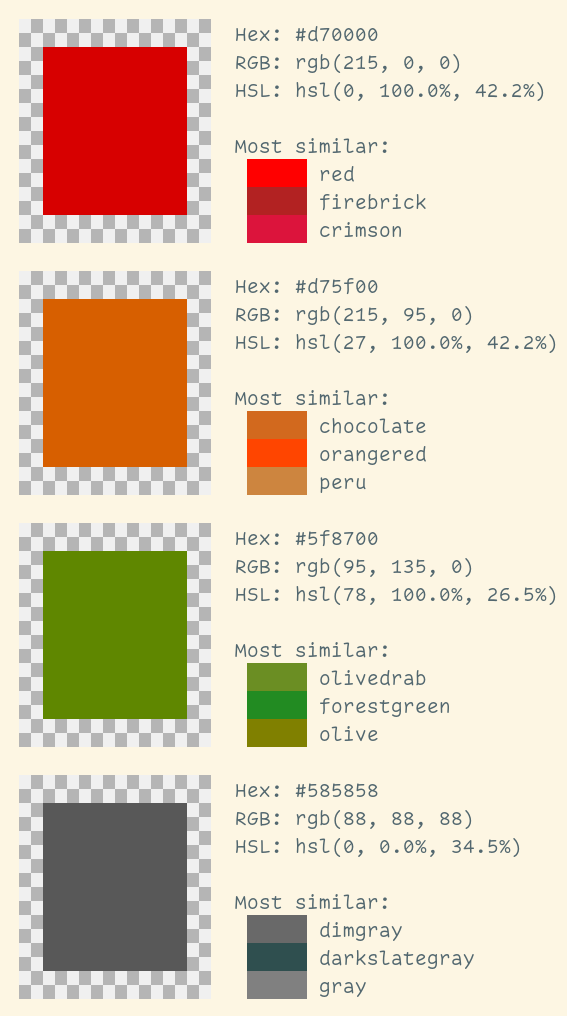
The list will be longer, of course, and will show all the colors.
Happy theming!